Design Preview
Your design will appear here
Complete your selections in the design panel and click "Generate Design" to create your visualization
Upload a photo of your house and preview new siding, paint colors, roofing and landscaping in seconds with AI. Compare facade ideas before you hire a contractor.
Complete your selections in the design panel and click "Generate Design" to create your visualization
The four examples below were run directly on our image model, not through the tool above, so your results will look different. The before houses are AI-drawn stand-ins, not photos of real homes. Each caption says what did not come out as asked.
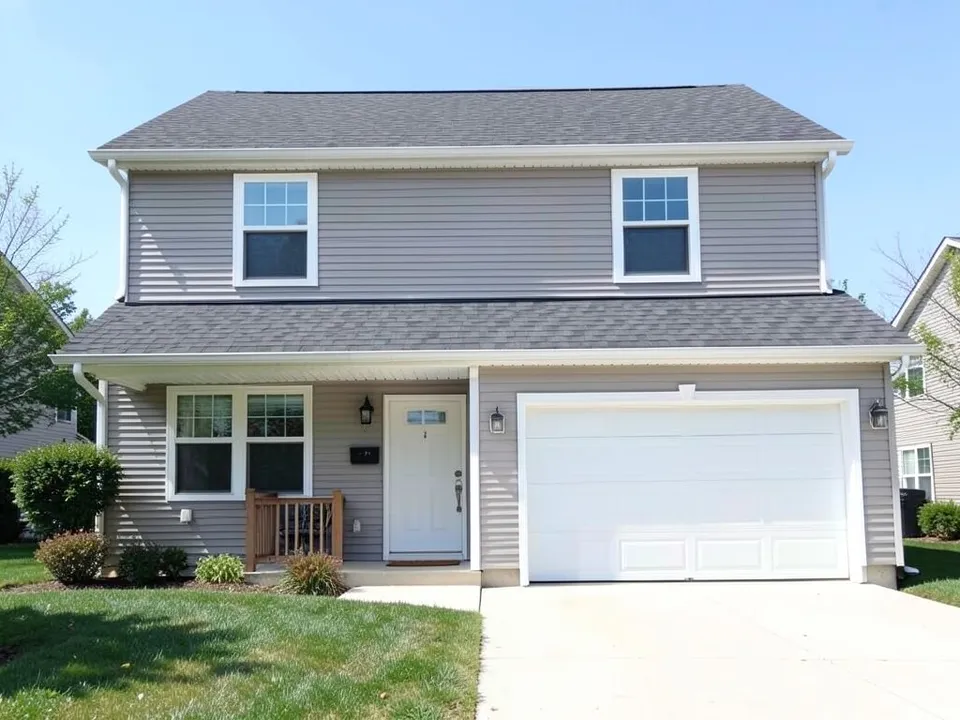
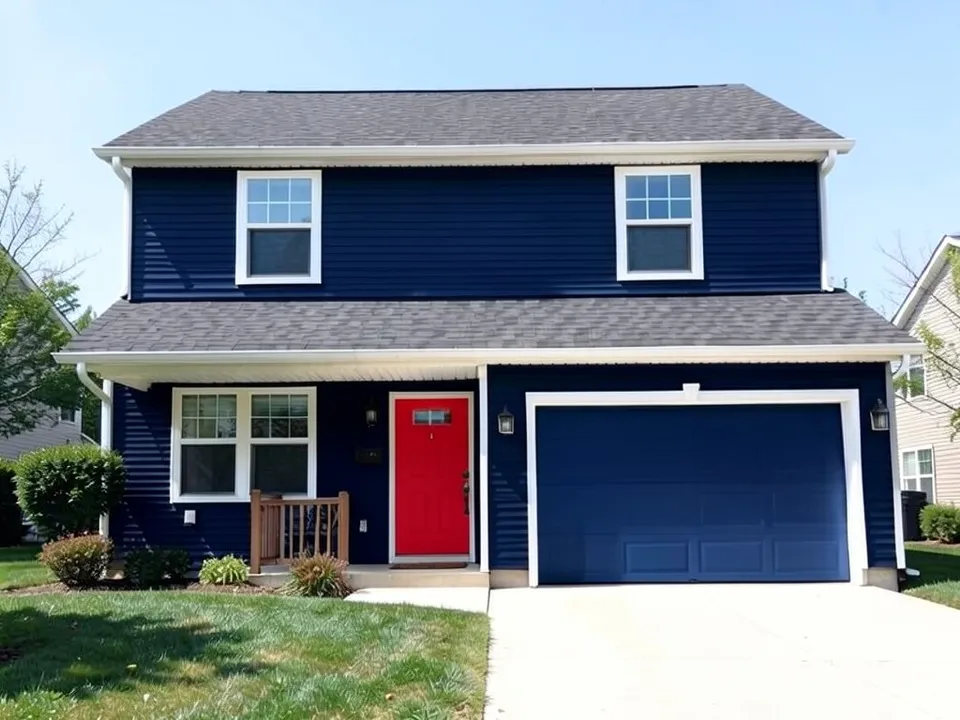
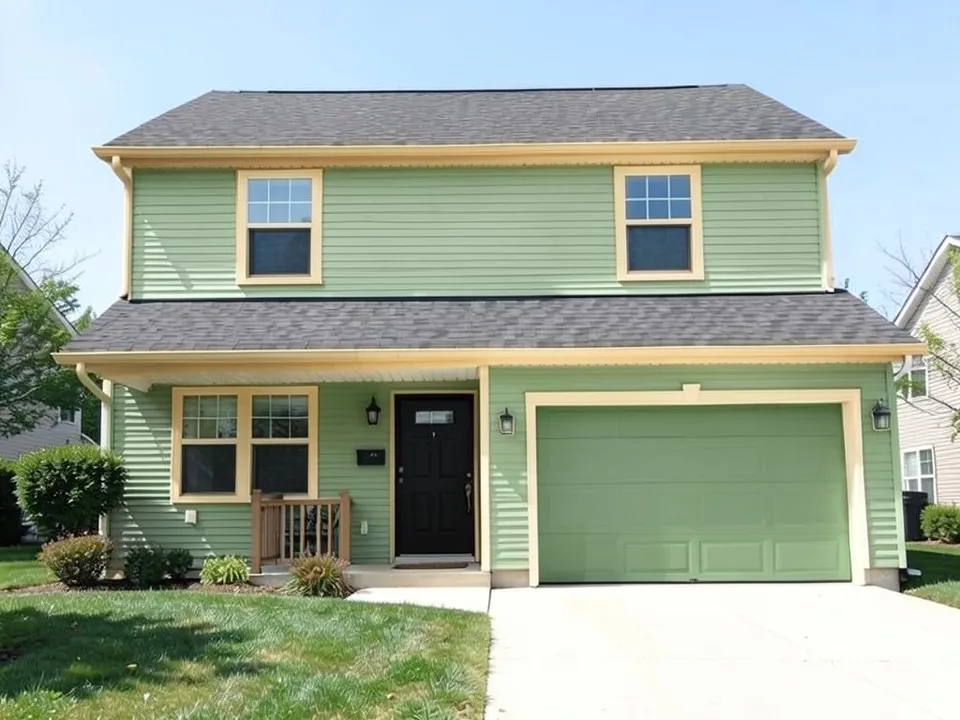
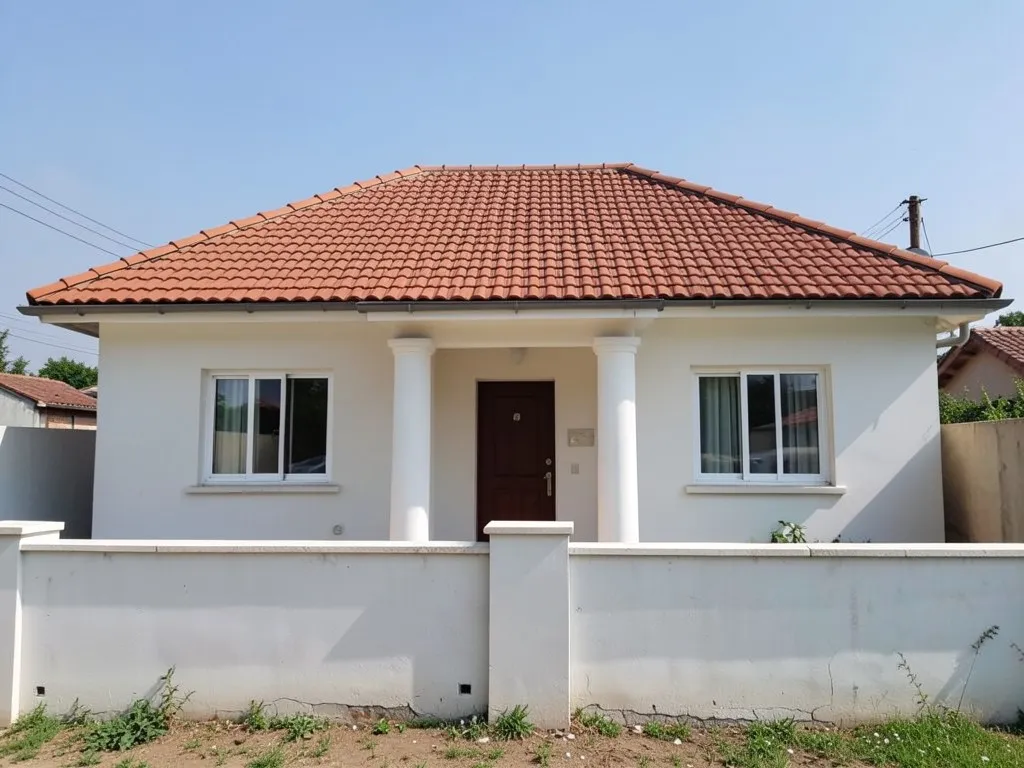
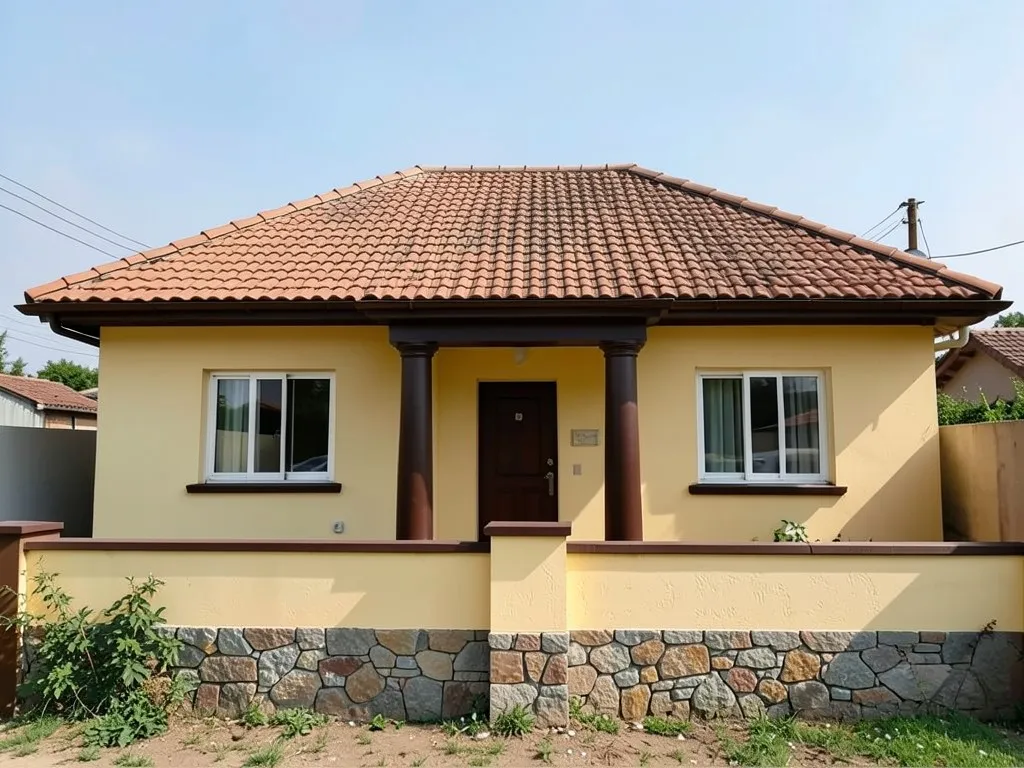
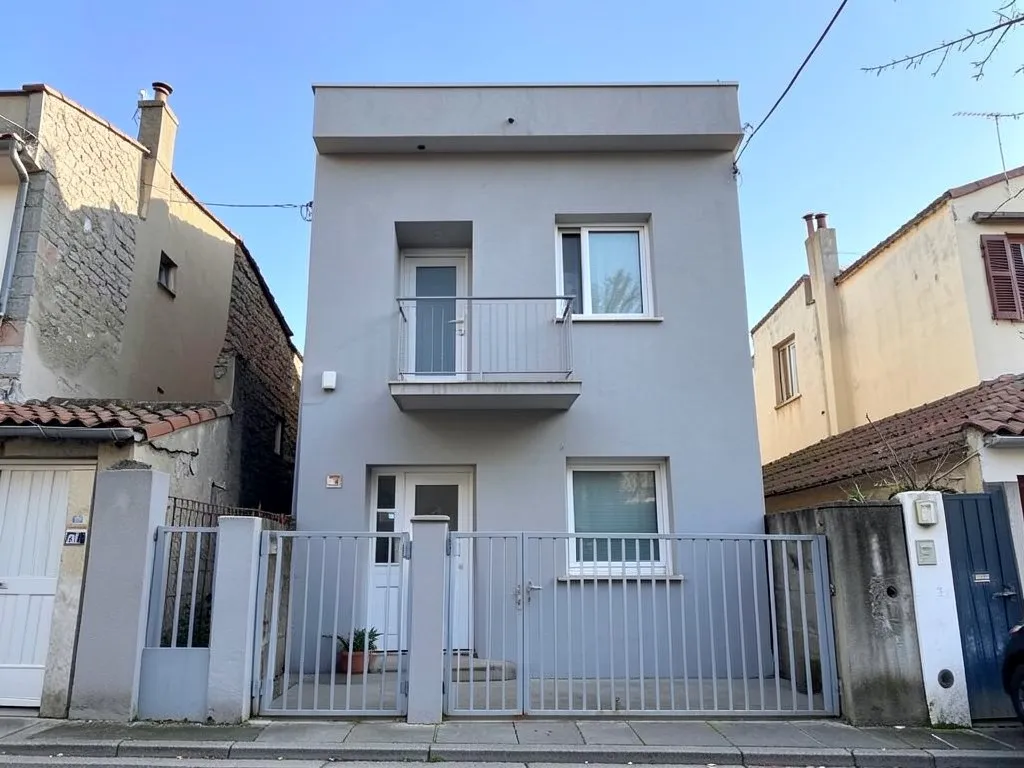
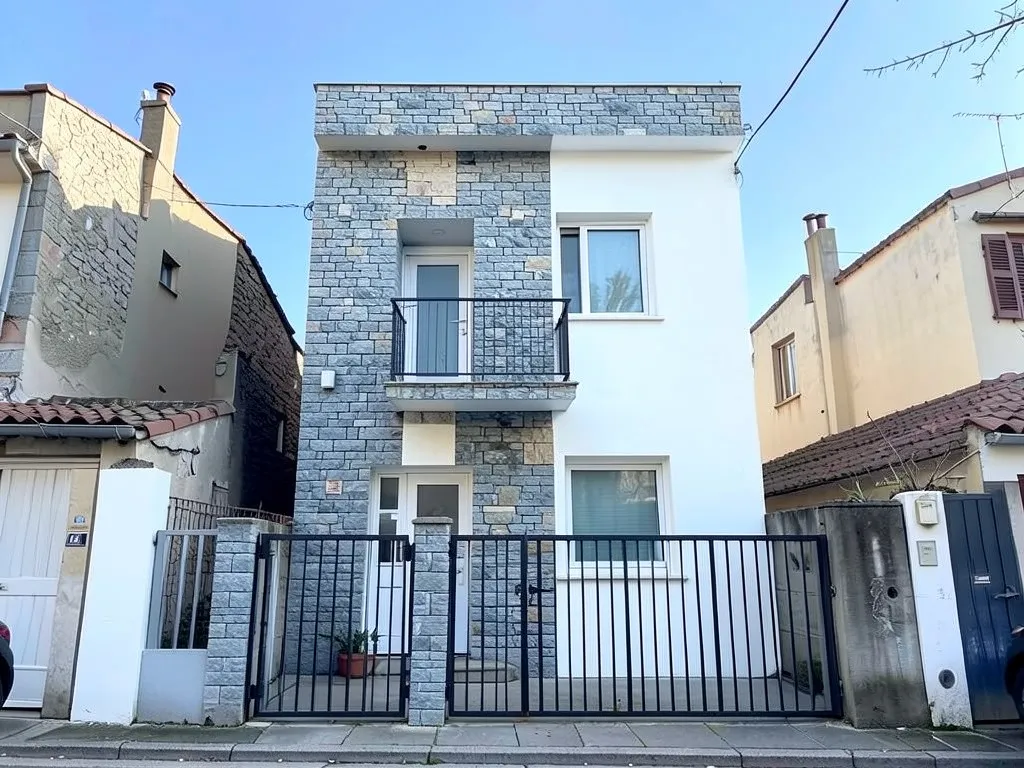
Looking for something more specific? See the exterior paint visualizer, front elevation design, house facade design, exterior house design, stucco house colors, front door colors and exterior remodel ideas.
It can restyle the colors and materials of a building on your photo and show you a picture of the idea. It cannot draw a to-scale plan, give dimensions, or check your plot or local building rules. Use the result as a direction to discuss with your painter, builder or architect.
It is a tool that edits a photo of a building and shows you the same building with a new look. You upload a photo of your house, choose what to change, and get a picture of the idea in seconds.
Upload a clear daytime photo of the front of your house, choose a mode and a building type, pick a style such as modern, minimalist, rustic, contemporary, Mediterranean or Scandinavian, and click Generate Design. The advanced options let you set materials, the time of day and the weather.
Signing up is free, and verifying your email gives you free tokens to try it. Free renders carry an AiExterior watermark. Paid plans on the pricing page remove the watermark and unlock higher quality.
The building type list includes house, villa, bungalow, townhouse, cottage, apartment, hotel, restaurant and store. You choose the one that matches your photo.
You can ask for it. Say what to change and list what must stay, such as the roof, the windows and the camera angle, as the examples on this page do. Check the whole picture afterwards, because the model sometimes changes a part you did not name.
No. It makes a picture of an idea from your photo. It does not give dimensions or a to-scale drawing, and it does not check local building rules. Use an architect or a drafter for drawings a builder or an approval office will accept.
Photograph the front straight on in daylight, from far enough back that the whole front, the roof and the entrance fit in the frame. Avoid heavy shadows, and avoid cars or trees covering the walls you want to change.
Yes, as a picture. Colors on a screen shift with the light and the display, so treat the render as a direction and test the paint on the wall before you buy it all.
Our platform supports a wide variety of languages. Choose your preferred language below to view the site in that language.